Indice
AN031 - Steps to insert the image file (LOGO) to be showed to the PMQ5CF power on
 |
|||
| Document: | AN031 | ||
|---|---|---|---|
| Description: | Steps to insert the image file (LOGO) to be showed to the PMQ5CF power on | ||
| Editor: | Gabriele Bazzi | ||
| Approver: | Giuliano Tognon | ||
| Link: | http://www.qem.eu/doku/doku.php/appnote/an031 | ||
| Language: | English | ||
| Document Release | Description | Note | Date |
| 01 | New manual | 05/08/2016 | |
Introduction
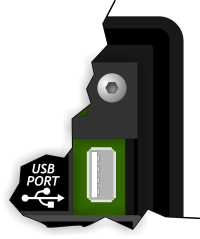
This procedure allows the insertion of an image to be showed at the switching on of the PMQ5CF for the duration of the instrument initialization, via the USB port on the back of the controller MQ5CF.
Premise
Copy in the root (main folder) of the USB upgrade the LOGO.QNG file.
Procedure
-
Turn off the instrument.
-
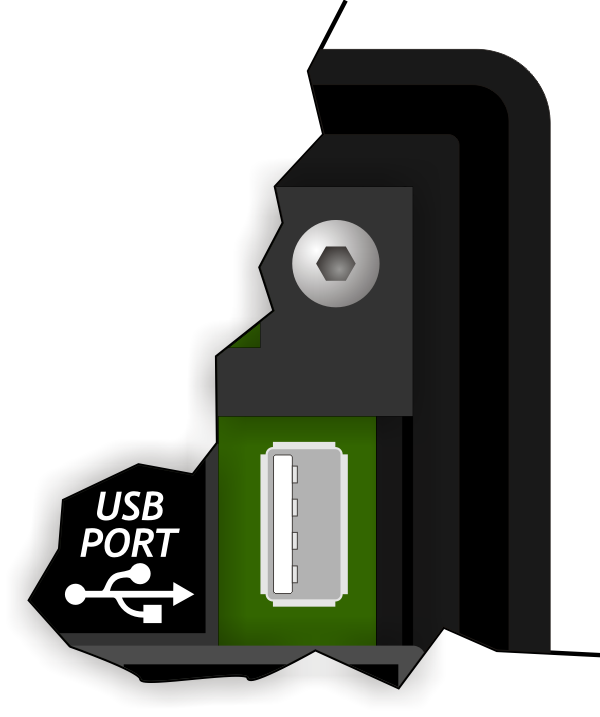
Insert the USB key on the back of the MQ5CF.
-
Turn on the MQ5CF while holding down the
FUNC on the back of the product, or the
 F1button .
. -
After a few moments the MQ5CF enters the area of system functions. Press the
F1 button to get to the function 02 - Copy all files DEVICE –> NAND.

-
To execute the function press and hold the
F7 button for 2 seconds or the
 BOOTbutton on the back. -
Start the upgrade process.

-
When the procedure has finished, is showed Successful To report the correct execution.
PressingF1 or FUNC, the MQ5CF is restarted.


The image file (LOGO) is loaded and the procedure is completed.